Are Smart Glasses Always Listening or Recording? What the Privacy Controls Actually Do
Smart glasses are not necessarily saving everything around you—but voice models do listen locally for a wake word, and an activated interaction can capture speech and background sound. Here is what the lights, settings and policies actually mean.
The short answer
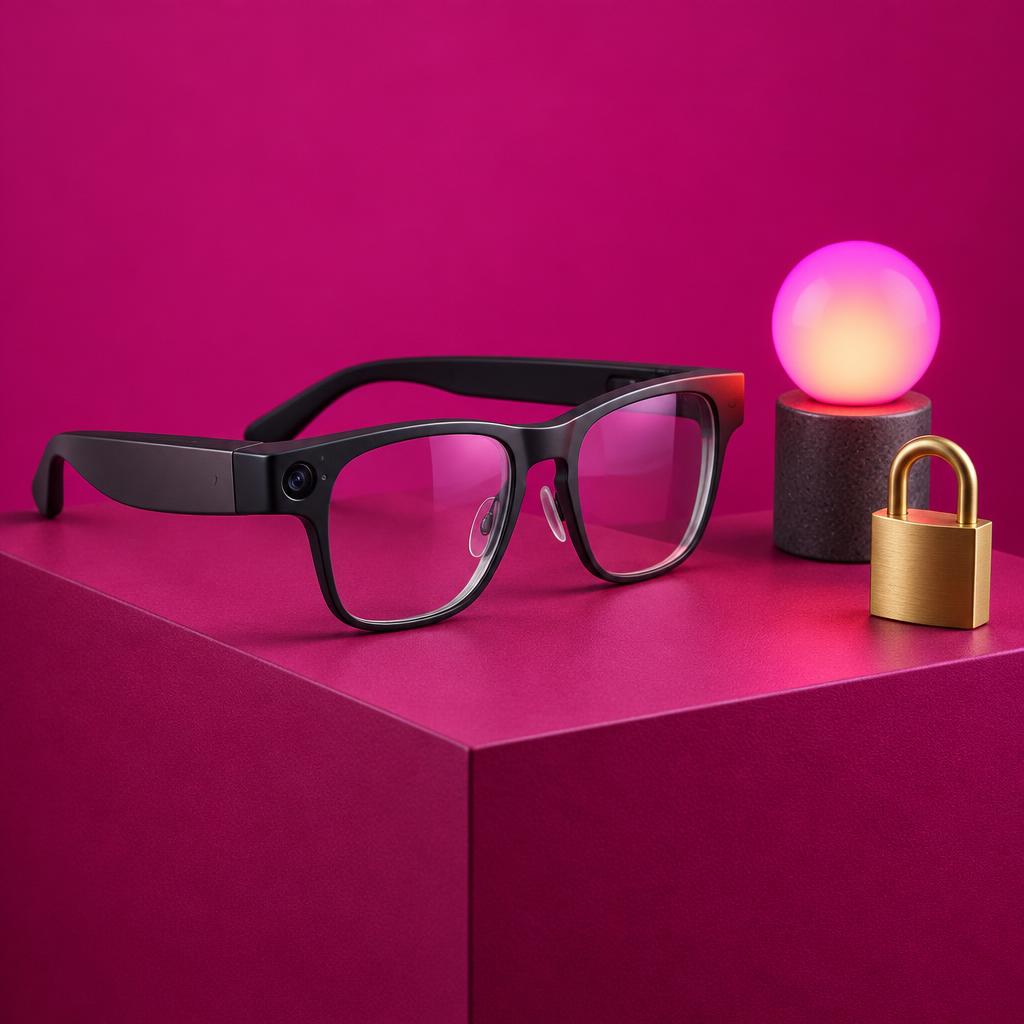
'Always listening' and 'always recording' are not the same thing. On Ray-Ban Meta glasses, the assistant listens locally for a wake word while voice controls are on; the camera records only when you trigger it, with an outward-facing LED. But once a voice interaction starts—even accidentally—Meta says it processes the audio, including background sound. The LED is a useful signal, not a guarantee that bystanders notice or consent, and no setting makes recording lawful everywhere.
Smart glasses are not necessarily saving everything around you—but voice models do listen locally for a wake word, and an activated interaction can capture speech and background sound. Here is what the lights, settings and policies actually mean.
01 / The story
Two different questions: listening and recording
Meta's Voice Controls Privacy Notice, effective July 22, 2025, says the assistant on Ray-Ban Meta and Oakley Meta glasses activates when it detects the wake word 'Hey Meta' or when the wearer uses a configured press-and-hold touchpad action. While voice controls are enabled, the glasses listen locally for that wake word. That is not the same as continuously uploading or saving everything said nearby. [1]
The important caveat is what happens after activation. Meta's notice defines voice interactions to include your speech, certain commands without a wake word, inadvertent activations, and background sound during an interaction. Once activated—on purpose or by accident—audio is processed to produce transcripts and responses, and depending on your settings it can be stored and used to improve products, including review by trained humans. [1]
The camera is a separate pathway. Meta's help pages describe capture as deliberate: press the capture button for a photo, press and hold for video, or use a voice command. Media then imports to your paired phone through the app and is removed from the glasses during import. [2]
02 / The story
The LED: a useful signal, not a guarantee
Meta says the white Capture LED blinks for a photo and stays lit during video, and that the camera is automatically disabled if the LED is detected as covered, tampered with or destroyed. Those are the manufacturer's intended safeguards. [3]
But a light only works if people see and understand it. A peer-reviewed CHI 2024 study—a small diary study of 15 participants—found that people who wore camera glasses considered existing privacy indicators ineffective, partly because the designs look like ordinary glasses. A 2025 research report on extended-reality indicators likewise found that visual-only signals can be missed by distracted bystanders. Small studies, but they directly caution against treating an LED as meaningful notice to everyone nearby. [4, 5]
And no indicator covers everything. The Capture LED concerns the camera; it does not announce voice interactions, calls, or cloud transfers.
03 / The story
Where the data goes after capture
For ordinary captures, the workflow is local first: media sits on the glasses, then imports to your phone. Meta's Transparency Center disclosure, updated August 12, 2025, says the glasses also generate 'product data' continuously—performance, use and environment information that may be stored on the device, the phone, or Meta's servers. Product data is broad, but it should not be read as proof that raw camera video is continuously uploaded. [2, 6]
The picture changes when you invoke cloud features. Using Meta AI with the camera, livestreaming, or sharing media sends it through additional processing paths, each governed by its own terms. Meta told The Verge in April 2025 that photos and videos in your phone's camera roll are not used for model training unless you share them to a Meta product, cloud service or third party—a dated company statement, not a permanent guarantee. [7]
In February and March 2026, Swedish newspapers reported accounts from Kenyan subcontractor workers who said they reviewed intimate footage captured by Meta glasses. Meta told the BBC that contractors may sometimes review content users share with Meta AI, that data is filtered first—including face blurring—and that it takes data protection seriously. The UK Information Commissioner's Office contacted Meta following the report. The workers' accounts remain attributed allegations; they do not establish that all footage is reviewed or that unshared local captures are uploaded. [8, 9]
04 / The story
What the controls actually control
Turning off 'Hey Meta' disables wake-word activation and reduces accidental triggers. It does not disable the camera, the call microphones, Bluetooth, or device telemetry. Conversely, phone app permissions—like photo-library access—govern the app, not the glasses' hardware. [1, 10]
Voice-activity settings can govern storage or deletion of voice interactions where your region and version offer them. Read the current in-app text: an April 2025 report described Meta removing a cloud-storage opt-out for some users, which illustrates how quickly these defaults can change. Deleting activity also does not retroactively erase copies already shared or reviewed under other legal bases. [7]
The clearest practical control is physical: press the capture control to stop recording, power the glasses off, or simply do not wear them in sensitive settings. Software toggles reduce specific pathways; they are not a universal 'nothing is sensed' mode.
05 / The story
Consent and the law
No device setting substitutes for legal consent. Audio recording laws vary by jurisdiction—in the U.S., federal and state rules differ, and some states require all-party consent for conversations with a reasonable expectation of privacy. Video, workplace, school, venue and data-protection rules can apply independently. [11, 12]
A recording can be technically possible but prohibited by venue policy, employment obligations or privacy law, and public visibility does not automatically mean permission to record or publish. The sensible defaults: ask before recording identifiable people, avoid private spaces, and get consent before sharing. For a specific situation, local legal advice beats any general guide—including this one.
A closer look
What we verified and what stays uncertain
This guide is desk research based on Meta's published help pages, legal notices and transparency disclosures, peer-reviewed research, and attributed news investigations, checked on October 18, 2026. Product behavior and policies vary by model, region, app version and date.
Uncertain as of publication: the February–March 2026 reports about subcontractor workers reviewing intimate footage are attributed allegations; Meta acknowledged to the BBC that contractors may review content users share with Meta AI, with filtering including face blurring. Neither establishes that all recordings are uploaded or reviewed. Voice-storage defaults and retention periods have changed over time and differ by region—check the current in-app notice.
Put it to work
Privacy settings worth checking on camera glasses
If you own or are around smart glasses:
0 of 5 considered
These questions are editorial guidance, not a product score or verified assessment.
Keep learning
Further reading
- ChatGPT and Your Browser: What Can AI Actually See, Read and Do?
Qlauson · AI Tools
- Is Your Smart Home Device Sending Too Much Data? How to Check What It Uploads
Qlauson · Cybersecurity
- AI Agent Security: Prompt Injection, Safe Tools, and Containment
Qlauson · Artificial Intelligence
- Meta: Voice Controls Privacy Notice (effective Jul 22, 2025)
External resource · Defines wake-word activation, inadvertent activation and background-audio processing. Opens in a new tab.
- Meta: Capture photos and videos with AI glasses
Primary documentation · Manufacturer's capture workflow and phone-import behavior. Checked Oct 18, 2026. Opens in a new tab.
- Meta: Privacy settings for Meta AI glasses
Primary documentation · Capture LED behavior and the tamper-disable safeguard (manufacturer claims). Checked Oct 18, 2026. Opens in a new tab.
- Bhardwaj et al., CHI 2024: In Focus, Out of Privacy
Primary documentation · Small qualitative study finding camera-glasses privacy indicators ineffective. Checked Oct 18, 2026. Opens in a new tab.
- Bukhari et al. (Aug 9, 2025): Rethinking Privacy Indicators in XR
Primary documentation · Research report on visual-only indicators being missed by bystanders. Checked Oct 18, 2026. Opens in a new tab.
- Meta: AI Glasses Disclosure (updated Aug 12, 2025)
Primary documentation · Describes continuous 'product data' generation and storage locations. Checked Oct 18, 2026. Opens in a new tab.
- The Verge: Meta tightens privacy policy around Ray-Ban glasses (Apr 30, 2025)
Primary documentation · Dated reporting of Meta statements on camera-roll training and voice-storage changes. Checked Oct 18, 2026. Opens in a new tab.
- BBC: ICO writes to Meta over smart-glasses report (Mar 4, 2026)
Primary documentation · Meta's response on contractor review of shared content; regulator contact. Checked Oct 18, 2026. Opens in a new tab.
- Svenska Dagbladet investigation (Feb 27, 2026)
Primary documentation · Worker accounts of reviewing intimate footage; attributed allegations. Checked Oct 18, 2026. Opens in a new tab.
- Meta: Microphone and Hey Meta settings help
Primary documentation · Current steps for wake-word preferences. Checked Oct 18, 2026. Opens in a new tab.
- FCC: Recording Telephone Conversations (reviewed Dec 30, 2019)
Primary documentation · Federal consumer guidance noting state-law variation. Checked Oct 18, 2026. Opens in a new tab.
- Texas State Law Library: Audio recording laws
Primary documentation · Example of state-specific one-party-consent guidance. Checked Oct 18, 2026. Opens in a new tab.
Read next
iPhone 18 Pro After a Few Weeks: What Owners Love, What They Dislike, and What Still Needs Fixing
A few weeks after release, iPhone 18 Pro owners have posted praise and complaints in roughly equal measure. We sorted the repeated themes from the one-off stories—and checked which problems Apple has actually acknowledged.
Continue readingNewsletter
Get new Qlauson stories by email.
An occasional email when we publish a new guide or update an important one. No unrelated promotions, and you can unsubscribe from any email.