What Happens Inside an AI Data Center?
A plain-language tour of AI computing: GPUs, server racks, networking, storage, cooling, electricity, and the difference between training and serving answers.
The short answer
An AI data center combines accelerators, ordinary processors, fast networking, storage, power delivery, and cooling. Training coordinates many calculations across machines; inference runs a trained model to serve requests. Neither activity happens on GPUs alone.
A plain-language tour of AI computing: GPUs, server racks, networking, storage, cooling, electricity, and the difference between training and serving answers.
01 / The story
Follow one request from the front door to the model
An AI request reaches application services that check access, organize inputs, and schedule computation. A model-serving system runs the relevant calculations, then the application returns output. Storage, networking, and conventional processors support this path even when an accelerator performs the largest mathematical operations.
This is a conceptual tour rather than an inspection of a named facility. Different services split work differently and may use several locations. An answer mentioning a data center does not tell you where a particular request was processed; location, retention, and access need provider documentation or contractual evidence.
02 / The story
GPUs do parallel work, but memory sets boundaries
Graphics processing units can carry out many operations in parallel. AI workloads commonly use them for large numerical calculations involving model parameters and data. Memory holds information the accelerator needs, and communication moves it when one device cannot do the job alone. A powerful GPU waiting for data is still waiting.
NVIDIA’s DGX H100 system documentation provides a concrete server example with eight H100 GPUs, NVLink and NVSwitch interconnects, CPUs, network interfaces, and storage. This describes that product, not every AI server. Facilities may use different accelerators and configurations, and a component specification is not a promise about an application’s response time.
03 / The story
Training and inference create different demands
Training adjusts model parameters using examples. Large training jobs can divide work across devices and repeatedly exchange results. Inference applies a trained model to new inputs. Serving many users requires scheduling, handling different request lengths, and keeping output responsive while using expensive equipment efficiently.
A training cluster and a consumer-facing service therefore have different priorities. Throughput means how much work is completed over time; latency means how long one request takes. Batching can improve equipment use while making a request wait. These terms should not be collapsed into one claim that a larger cluster is always faster for every user.
04 / The story
Networks and storage keep the calculations supplied
Inside a server, fast links connect accelerators. Across servers, network interfaces and switches move data and coordinate distributed work. Storage supplies datasets, saves training checkpoints, and holds model files. A checkpoint is a saved training state that can support recovery; it is not the same as a user conversation log.
Coordination creates overhead. Adding machines only helps when software and communication allow them to work together effectively. A slow storage path or overloaded network can limit the entire job. This is why infrastructure design includes failure recovery, scheduling, and capacity planning rather than focusing only on the number of GPUs in a rack.
05 / The story
Power and cooling are part of the computing system
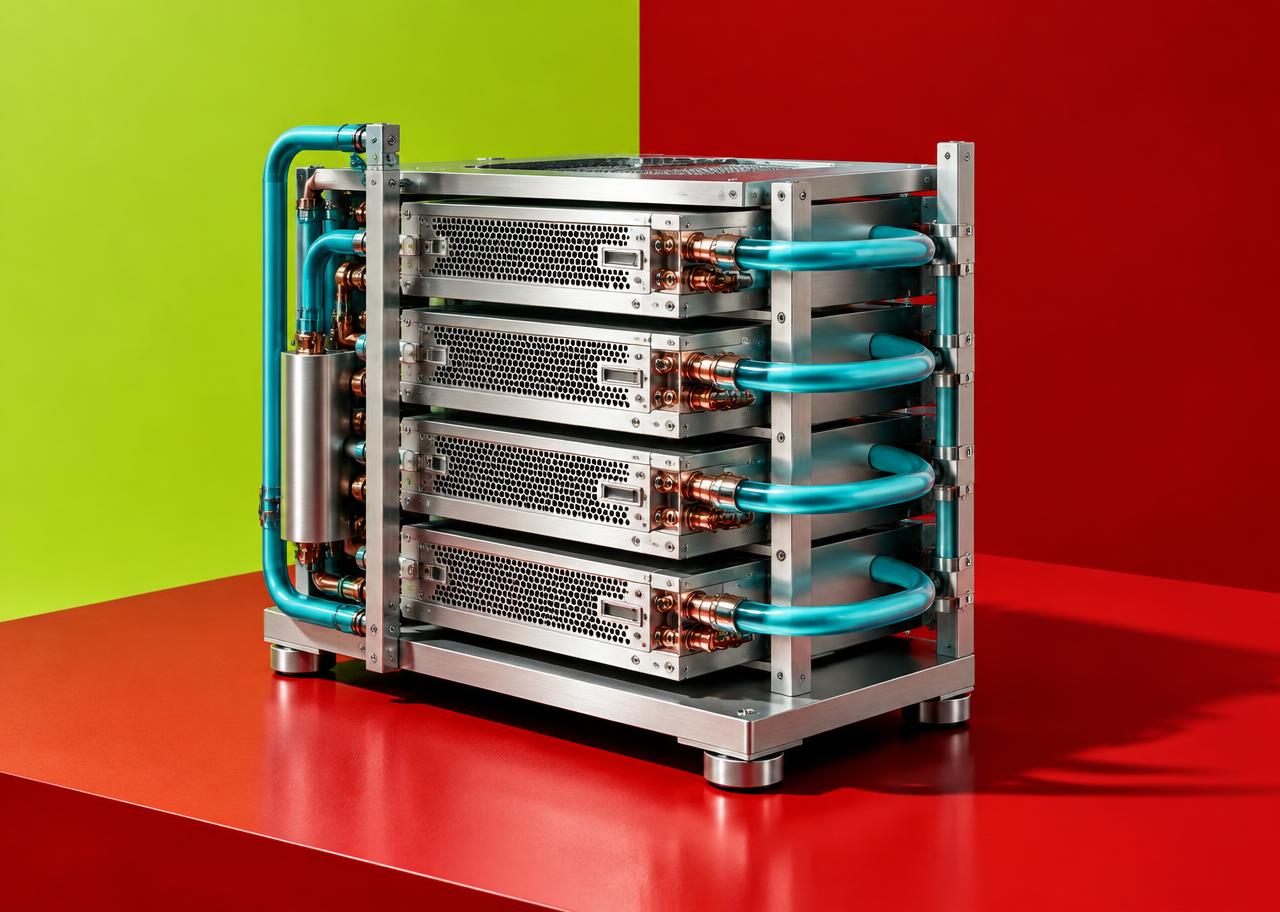
Computing equipment turns electrical energy into heat that must be removed. Facilities use cooling systems suited to their equipment and climate; some use air, some liquid, and some a combination. Electricity use includes more than the accelerator, and water use depends on the cooling design and wider power supply context.
The IEA’s Energy and AI report distinguishes observed demand from projections. Its forecasts are scenarios, not measurements of every site or guaranteed 2027 outcomes. This guide deliberately avoids a universal energy-per-prompt figure: model size, hardware, workload, batching, and facility design change that number. Efficiency improvements and growing demand can also happen at the same time.
A closer look
A practical way to judge the claims
If a provider advertises infrastructure scale, ask what the number measures: accelerators installed, available computing capacity, or work actually completed. A specification can establish hardware composition without establishing service reliability or environmental impact.
For a practical choice, read the service’s data-processing terms separately from its hardware description. Confirm supported regions, retention controls, failure handling, and costs for your task. A newer server is not a substitute for privacy controls or a clear service agreement.
Put it to work
Evaluate an AI infrastructure claim
Check the workload and the boundaries of the evidence.
0 of 5 considered
These questions are editorial guidance, not a product score or verified assessment.
Keep learning
Further reading
- Local AI vs Cloud AI: Privacy, Cost, Speed, and Performance
Qlauson · AI and Software
- Cost Optimization for AI APIs (2026)
Qlauson · APIs
- NVIDIA — DGX H100/H200 User Guide
External resource · Product-specific architecture example; does not represent all AI data centers. Opens in a new tab.
- International Energy Agency — Energy and AI
Primary documentation · Energy-demand analysis; forward estimates must be read as projections, not observed 2027 totals. Checked Oct 15, 2026. Opens in a new tab.
Read next
Can Your Laptop Run AI Locally? Memory, Speed and Real Costs
Can you run AI locally on a laptop? Compare model downloads, RAM, GPU memory, 70B limits, offline privacy and real costs before buying new hardware.
Continue readingNewsletter
Get new Qlauson stories by email.
An occasional email when we publish a new guide or update an important one. No unrelated promotions, and you can unsubscribe from any email.